
Getting started with Bobbles
There are three parts, and each one is simple. Watch the film, or follow the steps.
1. The iPad app
For the person who reads it
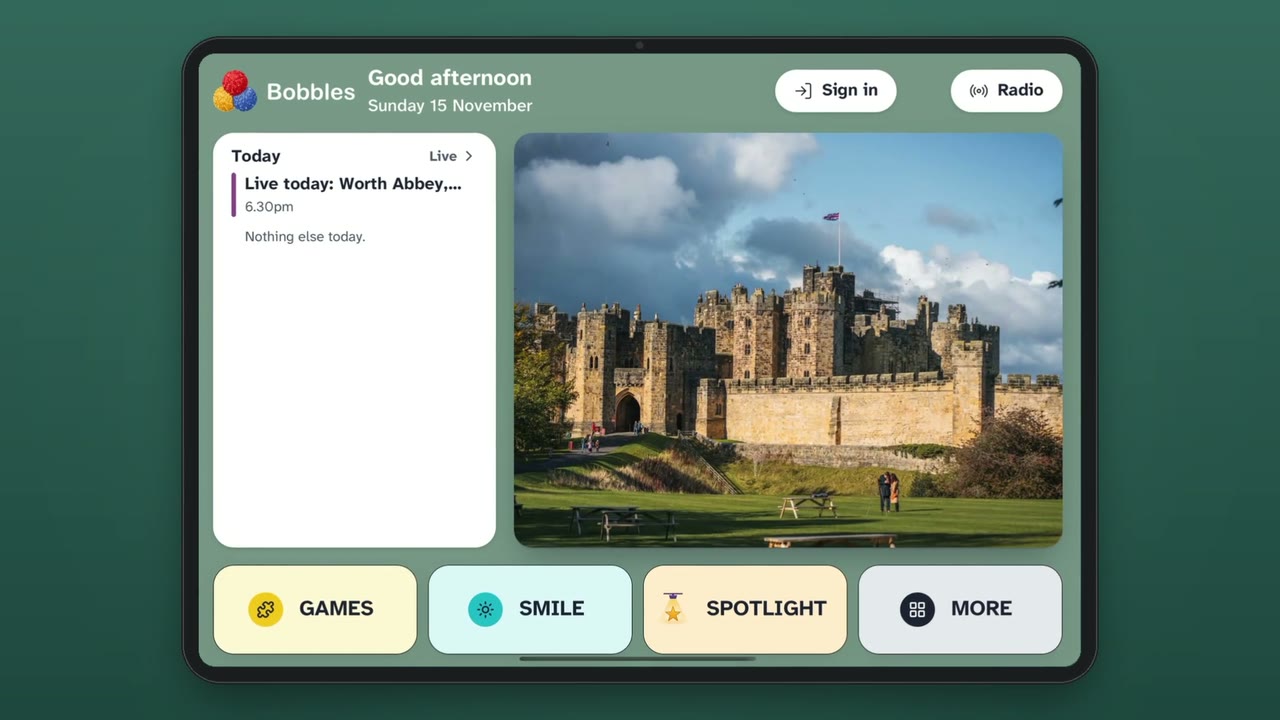
A calm, friendly iPad app: a fresh puzzle every day, games, and photos from the family, all with big buttons and nothing to catch you out.
 ▶Watch the film
2. The control panel
For the person who looks after it
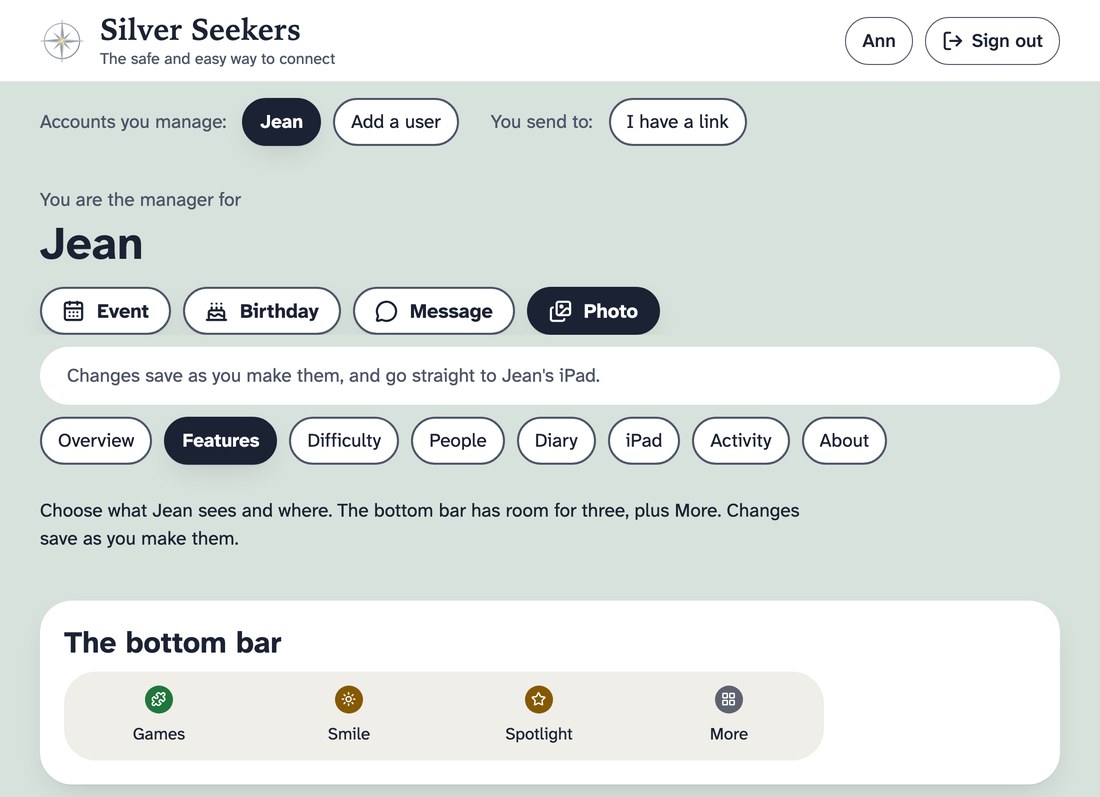
This is where the manager chooses who can send photos and how the iPad is set up. There is nothing to download: it is a website, so you never install anything from places you do not know.
- Open the control panel using the button below, on your phone or computer.
- Sign in with the email you used to make the account. We email you a code to check it is you.
- Add the family who will send photos. Each person gets their own private link.
On a phone, choose Share, then Add to Home Screen, and it sits beside your other apps.
3. Sending photos
For the family
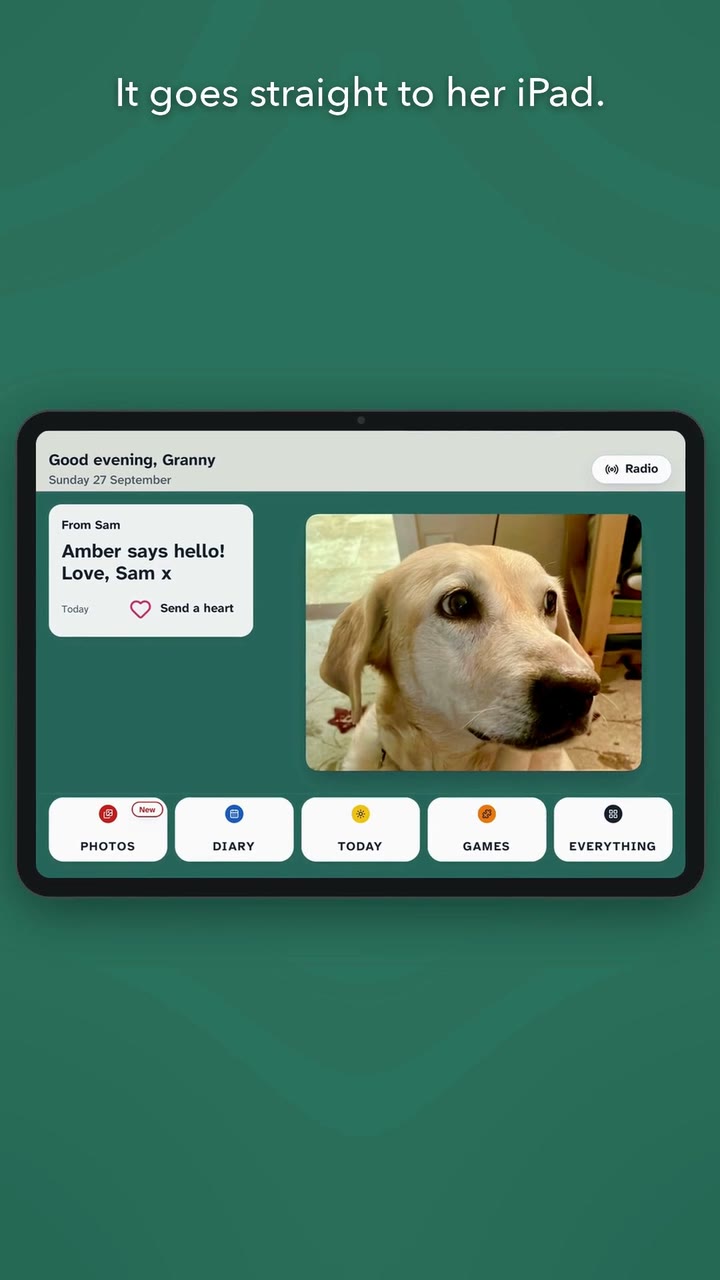
Sending a photo takes a few seconds: choose a picture, add a few words if you like, and press Send. It appears on their iPad, and they can send a heart back.
Your manager will send you your own private link.
 ▶Watch the film